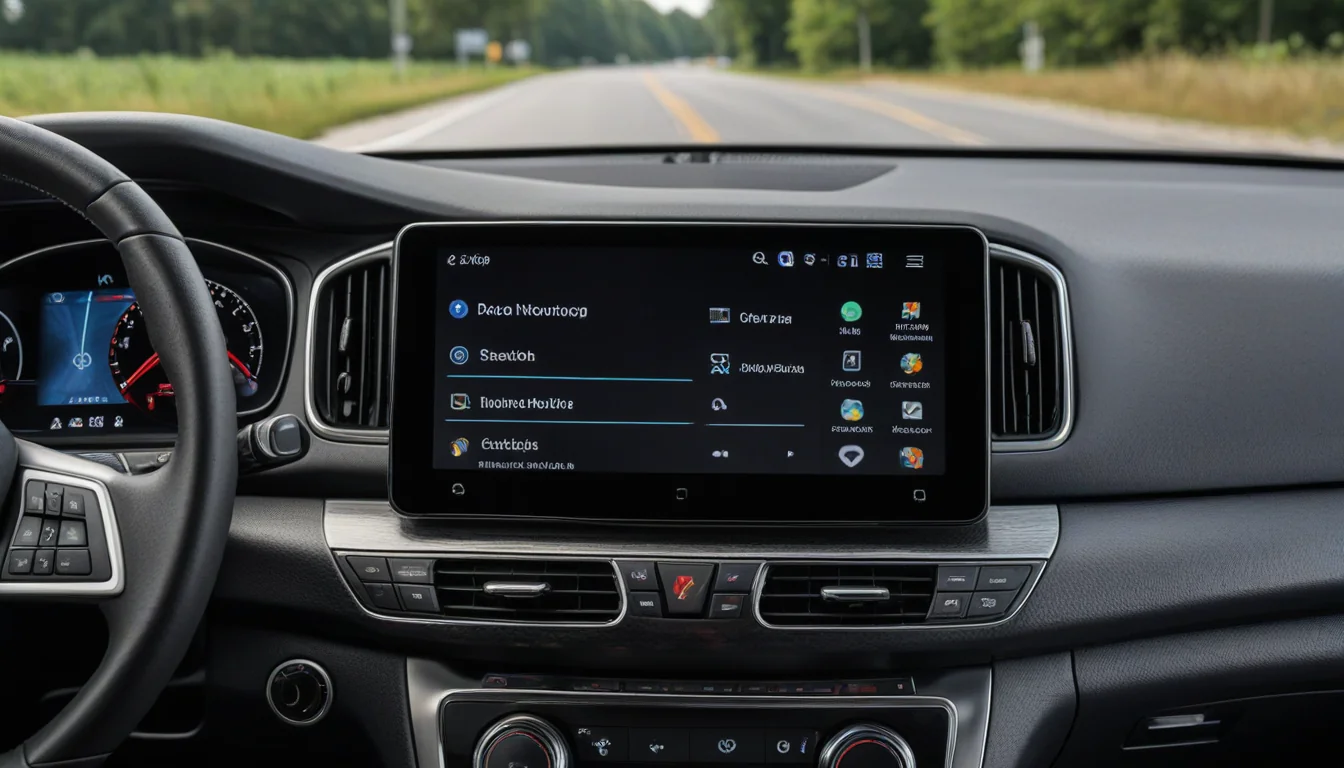
If you are searching for how to fix bluetooth audio delay on android, few things disrupt video streaming or gaming faster than dialogue that does not match lip movements. Whether you are watching YouTube videos, streaming movies, or playing games over Bluetooth earbuds or car speakers, audio latency creates an annoying lag between the visual on screen and the sound in your ears.
Bluetooth audio delay on Android stems from three main causes: codec mismatching between your phone and headphones, background audio processing buffer delays, or corrupted Bluetooth cache files. This guide outlines the five proven fixes that eliminate audio out-of-sync issues on Samsung Galaxy devices and Android smartphones in 2026.
1. Switch to a Low-Latency Bluetooth Audio Codec
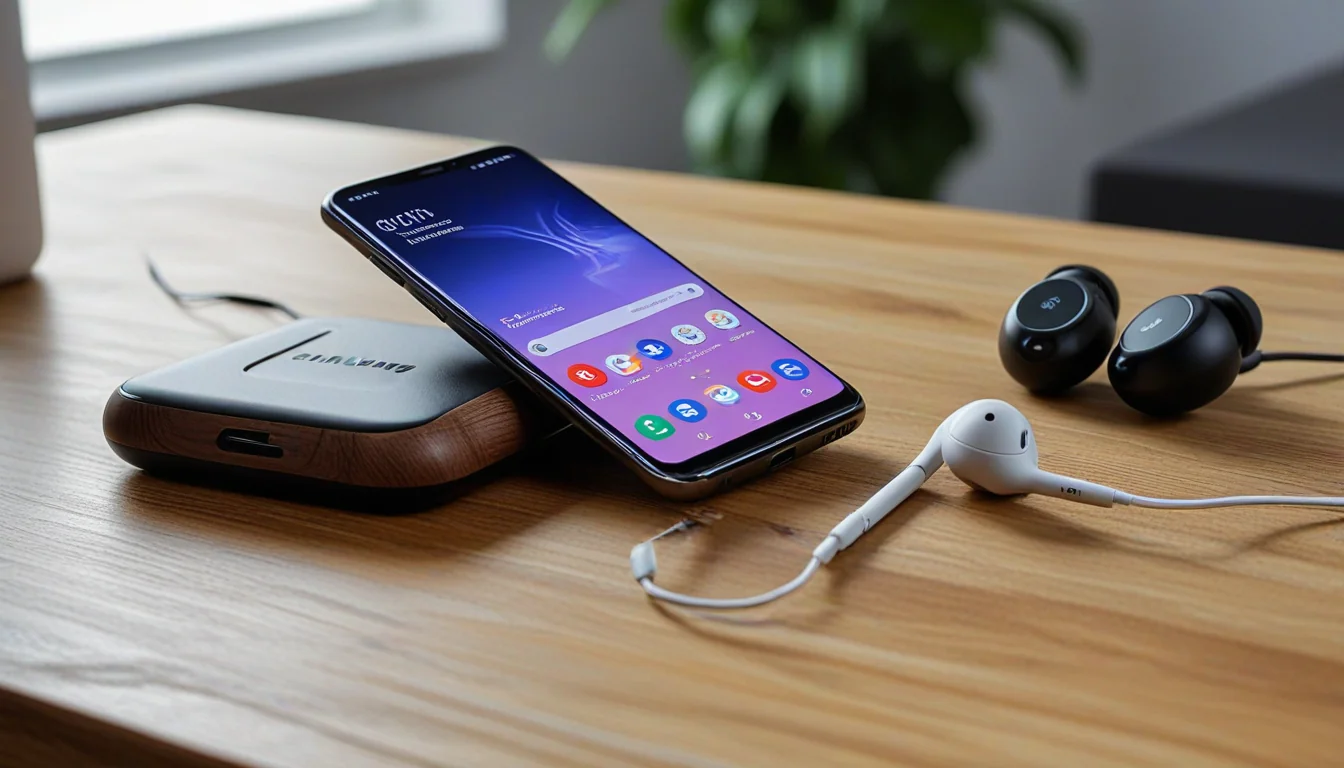
Bluetooth codecs dictate how digital audio is compressed and transmitted from your phone to your headphones. Default codecs like SBC prioritize connection stability over speed, introducing noticeable audio lag. High-bitrate codecs (like Samsung Seamless Codec, LDAC, or aptX Adaptive) significantly reduce latency.
As a long-time Samsung Galaxy owner who has carried the Galaxy Note series, S21 Ultra, S23 Ultra, S24 Ultra, S25 Ultra, and now the Galaxy Z Fold 8 Ultra, Bluetooth codec behavior varies depending on your earbud hardware. On Samsung devices paired with Galaxy Buds, the Samsung Seamless Codec automatically negotiates low latency. However, when pairing third-party headphones or car receivers, manually checking codec compatibility in Developer Options is key to eliminating audio delay.
To change your Bluetooth codec on Android:
- Go to Settings > About Phone > Software Information and tap Build Number 7 times to enable Developer Options.
- Navigate back to Settings > Developer Options.
- Scroll down to Bluetooth Audio Codec and select LDAC, aptX Adaptive, or AAC depending on what your headphones support.
2. Disable Absolute Volume Control
Absolute Volume is an Android feature that merges your phone’s volume controls with your Bluetooth device’s internal volume. While convenient, it frequently causes audio syncing errors and volume discrepancies on third-party Bluetooth speakers and car head units.
When searching for how to fix bluetooth audio delay on android, disabling Absolute Volume separates your phone’s digital output buffer from the hardware receiver, fixing sync issues:
- Go to Settings > Developer Options.
- Scroll down to the Networking section.
- Toggle ON Disable Absolute Volume.
- Disconnect and reconnect your Bluetooth headphones for the setting to take effect.
3. Reset Android Bluetooth & Wi-Fi Network Settings
Accumulated Bluetooth pairing cache and stale network configurations can cause packet retransmissions, leading to progressive audio lag during long video streams.
- Go to Settings > General Management (or System).
- Tap Reset > Reset Mobile Network Settings & Reset Wi-Fi and Bluetooth Settings.
- Re-pair your Bluetooth headphones and test audio sync.
4. Toggle Off Media Audio Processing & Dolby Atmos for Gaming
Advanced audio processing features—such as spatial audio head tracking, custom equalizers, or virtual surround sound—add extra digital signal processing (DSP) rendering time before sound leaves your phone. If you notice severe lag while playing mobile games or watching live streams, turning off DSP spatial effects eliminates the rendering bottleneck.
- Go to Settings > Sounds and Vibration > Sound Quality and Effects.
- Turn OFF Dolby Atmos for Gaming and disable custom equalizer presets to test raw audio speed.
5. Clear Bluetooth Legacy Cache & Re-Pair Devices
If how to fix bluetooth audio delay on android remains an issue after adjusting settings, corrupt Bluetooth system cache is usually holding onto legacy buffer sizes from old device pairings.
- Go to Settings > Apps.
- Tap the Filter/Sort icon and toggle ON Show System Apps.
- Find and select Bluetooth (or Bluetooth Legacy).
- Tap Storage > Clear Cache, then restart your smartphone.
Applying these five settings adjustments will resolve lip-sync lag whenever you need to know how to fix bluetooth audio delay on android across wireless earbuds, headphones, and car audio systems.
Please support our other platforms it helps support the site, Thanks! Check out our latest project walkthroughs and tech guides at Gigawerx Tech Hub and Dot.Cards/gigawerx .